SOLIDWORKS 3D CAD

Parts, assemblies and drawings in one model

Develop products faster and with fewer errors using parametric 3D modeling, assembly design and drawings that update with the model. Design, analysis, data management and manufacturing tools in one ecosystem; licensing, installation, training and technical support from MAGEN.

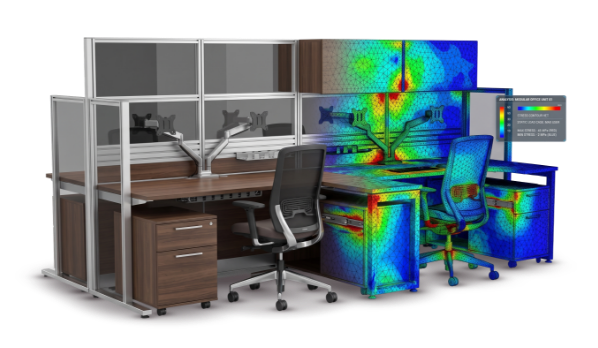
Office furniture model shown with stress analysis colors

Overview

One 3D model from concept to production

SOLIDWORKS is Dassault Systèmes’ parametric, feature-based 3D CAD software for Windows. Parts are built from dimensioned sketches and features, brought together in assemblies, and drawings are created directly from the model. Change a dimension and the part, the assembly and the drawing all update together. Its intuitive interface makes it easy to learn, and because it is widely taught at universities, it is easy to find engineers who know SOLIDWORKS and to get answers from online resources and user groups.

MAGEN is an authorized SOLIDWORKS reseller. We help you choose the right package and provide installation, training and technical support from the same team. For machinery, metal and furniture manufacturers we also set up templates, libraries and workflows.

Part and Assembly Modeling

Dimension-driven parts, assemblies you can check

Build parts with extrudes, revolves, sweeps and lofts, and drive dimensions with equations, global variables and design tables. Keep different sizes of the same product in a single file with configurations, save frequently used features to the Design Library, and generate new variants from rules with DriveWorksXpress.

Position components with mates, and catch problems before they reach the shop floor with interference, collision and hole alignment checks. Get exploded views and the bill of materials straight from the assembly, and export the motion of a mechanism as an animation video. For assemblies with many components, lightweight mode and Large Design Review keep the work responsive; with 3D Interconnect you can add files from other CAD systems to an assembly without translating them, and feature recognition turns imported models into editable features.

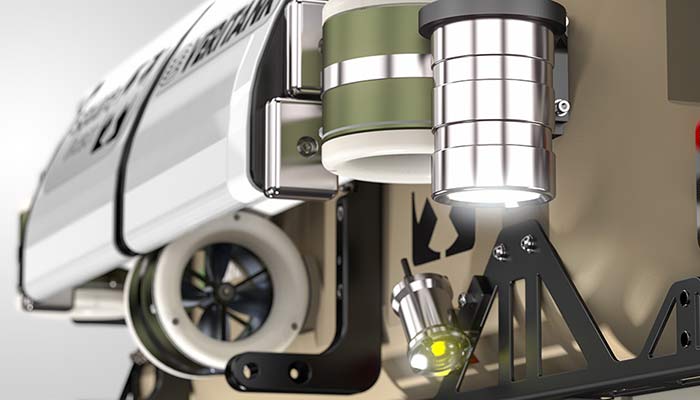
Close-up of a machine assembly with many components

Drawings

Drawings that stay in sync with the model

Create standard, section, detail, broken and auxiliary views from the model in a few steps. Bring model dimensions into the drawing and add hole and weld tables, geometric tolerances, surface finish and weld symbols, balloons and a bill of materials. Bills of materials and cut lists can be exported to Excel.

When the model changes, the drawing follows; share the result as PDF or DWG/DXF. Drafting standards such as ISO, DIN and ANSI, together with your own title blocks and templates, keep every drawing consistent. 2D-to-3D tools and DXF/DWG import let you put your existing 2D archive to use as well. If you prefer to define dimensions and tolerances directly on the 3D model, SOLIDWORKS MBD is also part of the product family.

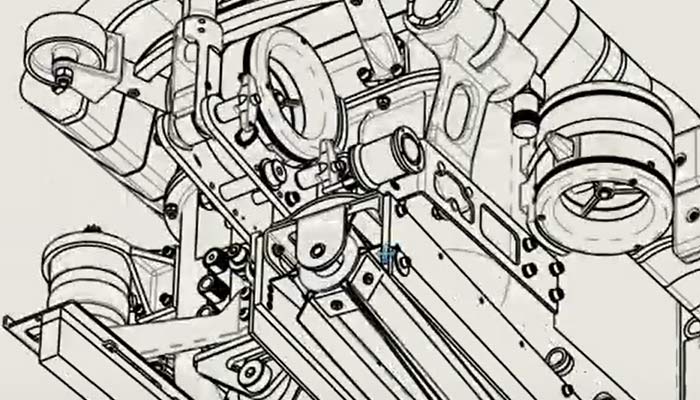
Machine assembly shown in a line-drawing style
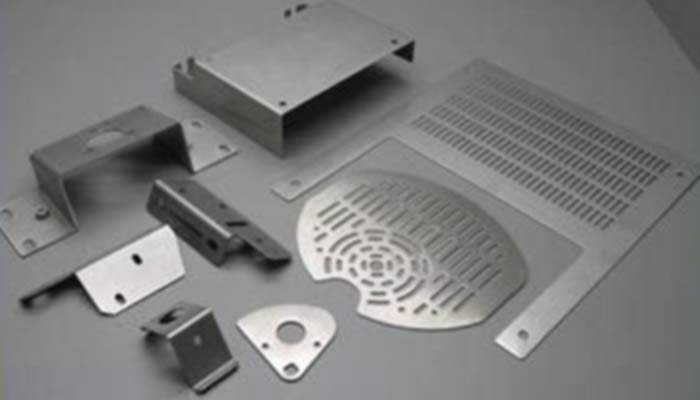
Bent and perforated sheet metal parts

Sheet Metal

Bent parts and flat patterns ready for production

Design sheet metal parts directly with base flanges, edge flanges, hems, closed corners and forming tools, or convert a solid model to sheet metal with a single command. Model sheet metal parts in the context of an assembly, referencing the surrounding components. Flat patterns calculated with K-factor, bend allowance or bend tables can be exported as DXF/DWG for laser, plasma and press brake work. Sheet metal bodies appear in the cut list with their thickness and flat pattern size.

Weldments

Profile frames, cut lists and weld beads

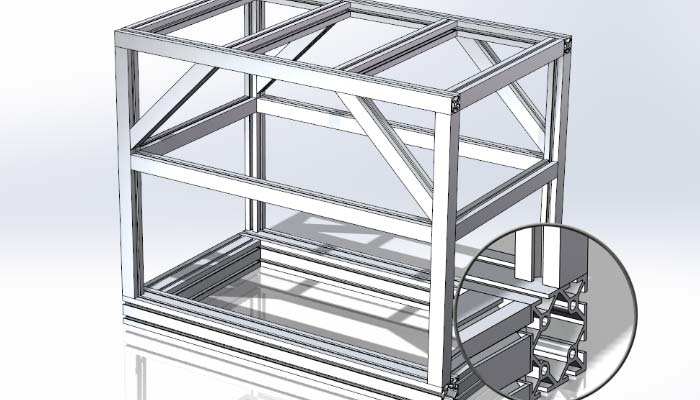
Pick profiles such as square and round tube, I, U and angle sections from the standard library, or your own saved profiles, and place them along sketch lines to build frames, stands, racks and structures quickly. Finish the details with corner treatments, trim and extend, end caps and gussets. The cut list collects profiles, lengths and quantities automatically, and weld beads and weld tables carry through to the drawing. A fast way to design metal furniture frames and machine bases.

Welded frame model built from profiles, with a corner joint detail
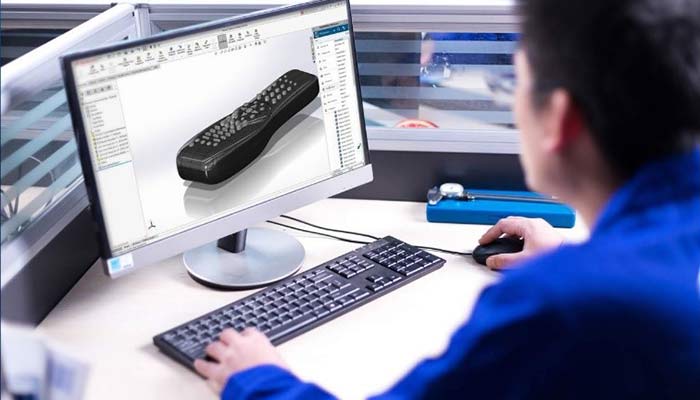
Designer working on the surface model of a shaped remote control

Surface Modeling

Surfacing tools for shaped products

Where solid features are not enough, create shaped forms with swept, lofted, boundary and filled surfaces; trim, extend and knit them, then thicken them into solids. Check surface quality and the smoothness of transitions with curvature and zebra stripe analysis. The same tools help repair missing faces in models imported from other systems.

Mold Tools

Mold preparation for plastic, sheet metal and cast parts

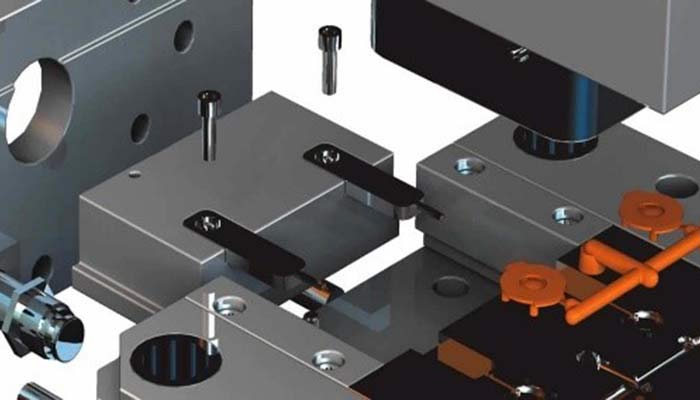
Check whether a part can be released from the mold with draft and undercut analysis. Derive core and cavity blocks from the model with scale, parting lines, shut-off surfaces, parting surfaces and tooling split; when the part changes, the mold components update too. To see filling and warpage before any tooling is cut, use it together with SOLIDWORKS Plastics.

Plastic part between core and cavity mold blocks

Packages

Standard, Professional and Premium

SOLIDWORKS 3D CAD comes in three packages. Each one includes everything in the previous package and adds new tools on top.

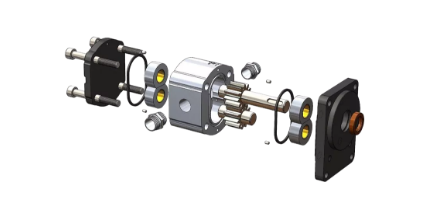
Exploded view of a pump assemblyCore 3D design

SOLIDWORKS Standard

All the core product development tools for parts, assemblies and 2D drawings.

  • Parts, assemblies and drawings
  • Sheet metal, weldments, surfacing and mold tools
  • Configurations, Design Library and large assembly tools
  • Rule-based design automation with DriveWorksXpress
  • Working with other CAD data through 3D Interconnect and DXF/DWG
  • Model and drawing sharing with eDrawings
  • Quick early checks: SimulationXpress, FloXpress, DFMXpress
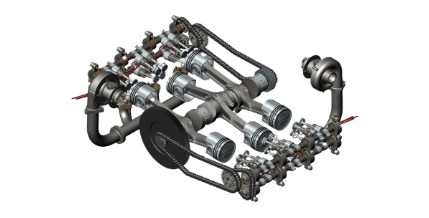
Engine mechanism assemblyStandard + productivity

SOLIDWORKS Professional

Data management, rendering, parts library and costing tools.

  • Toolbox library of standard fasteners
  • Part cost estimates with Costing
  • Drafting and design standards checks with Design Checker
  • Batch jobs with Task Scheduler
  • Tolerance stack-up analysis with TolAnalyst
  • ScanTo3D, CircuitWorks and eDrawings Professional
  • File management with SOLIDWORKS PDM Standard; Visualize Standard with an active subscription
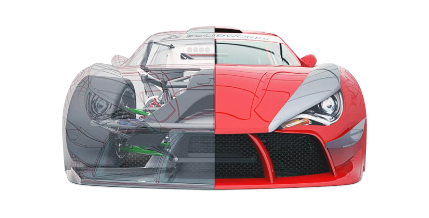
Red sports car model shown half transparentProfessional + analysis

SOLIDWORKS Premium

Validation, routing and advanced tools inside the design environment.

  • Linear static analysis of parts and assemblies (Simulation)
  • Motion analysis with Motion
  • Piping, tubing and cable harness routing
  • Assembly costing and Sustainability
  • Advanced flattening of shaped surfaces
  • CATIA V5 data through 3D Interconnect

Package contents may vary between SOLIDWORKS releases. Let’s work out the right package together, along with add-on products such as Simulation, PDM, Electrical, Visualize or CAM: SOLIDWORKS product family · Our SOLIDWORKS solutions

MAGEN logo
MAGEN

Design · Sales · Production

SOLIDWORKS 3D CAD
Demo & Quote Request

Let’s find the SOLIDWORKS package that fits your work. Send us a request for a demo on your own parts, licensing options, training or an installation plan.

Quote & Information Form