Furniture CAD/CAM/Nesting · Authorized Reseller
Design furniture quickly and easily, manufacture precisely and cut down on errors. MAGEN sells SWOOD, which runs inside SOLIDWORKS, implements it for your company and provides training and technical support.
SWOOD worldwide
Why SWOOD?
SWOOD is CAD/CAM software developed by EFICAD for the furniture and woodworking industry. It runs fully integrated inside SOLIDWORKS, giving designers and manufacturers the tools to design furniture and wood structures, prepare them for production and run manufacturing more efficiently.
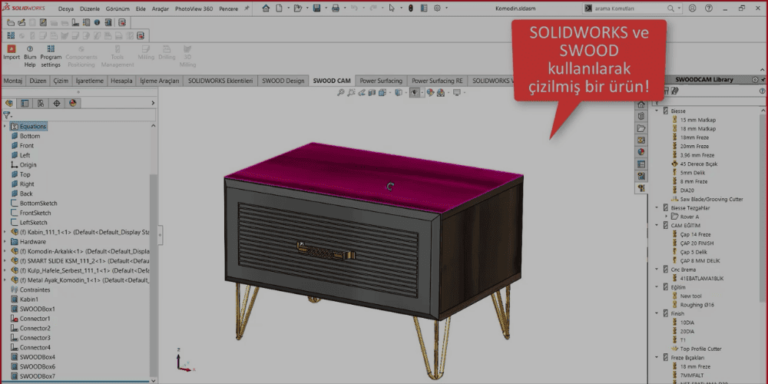
SWOOD lets furniture manufacturers handle design, CNC production and nesting in a single program, on the same SOLIDWORKS model.
It isn’t limited to off-the-shelf modules and libraries: SWOOD is configured around your company’s design and production practices. This configuration (SWOOD implementation) is carried out by the MAGEN team.
Because SWOOD runs inside SOLIDWORKS, designers who know SOLIDWORKS get up to speed quickly, and finding new users for your team is easier.
Share files with suppliers faster, keep outsourced production accurate and uninterrupted, and speed up purchasing.
Industries
Across almost every field built on panels and solid wood, from series production to made-to-order projects.
SWOOD Modules
SWOOD modules work together on the same SOLIDWORKS model: the furniture you design feeds the cut list, CNC program, sheet nesting and assembly instructions directly.
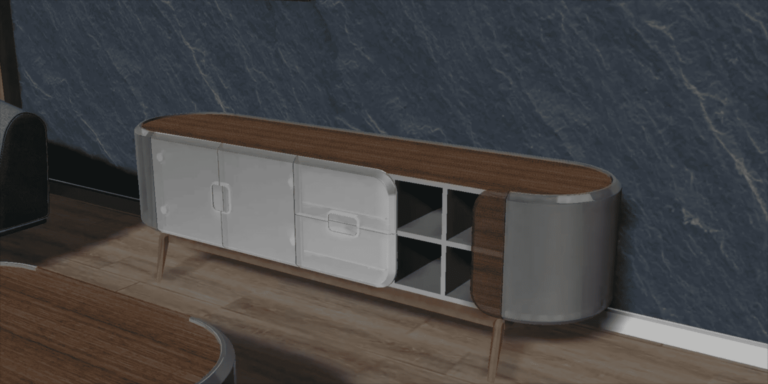
Furniture design, hardware and connectors, edge banding, cut lists and bills of materials.
Learn more →Machine programs for woodworking CNCs, generated straight from the design model.
Learn more →Automatic sheet nesting, bridge definition and toolpaths for minimum waste.
Learn more →Animated, interactive assembly instructions with SOLIDWORKS Composer.
Learn more →SWOOD Design
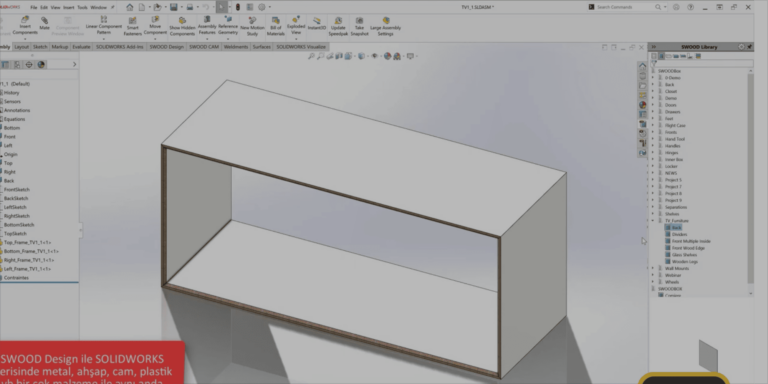
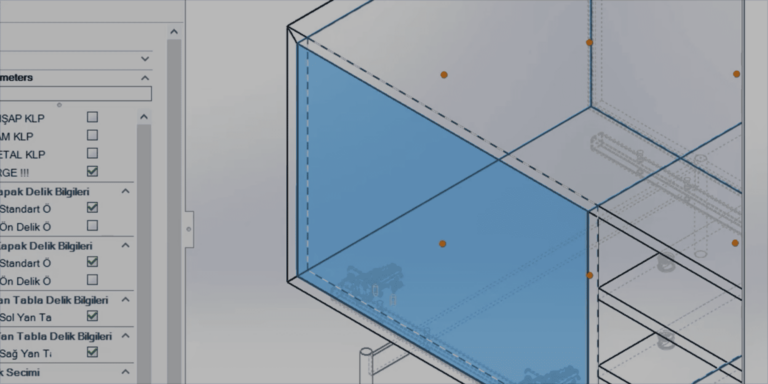
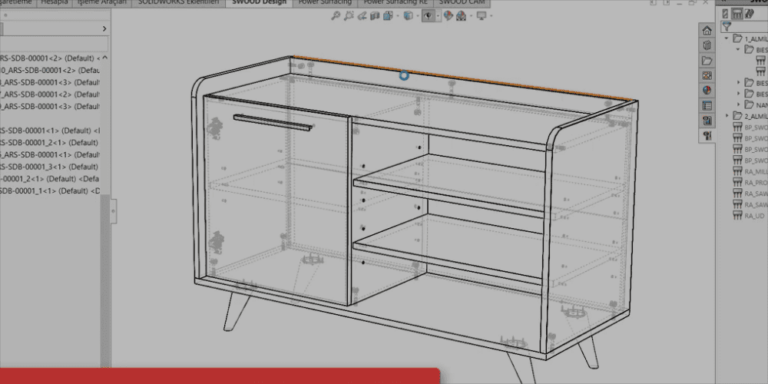
Design furniture and wood products inside SOLIDWORKS as production-ready models. Store your most-used modules in the SWOOD Center parametric library and reuse them in new projects with their dimensions and options.
SWOOD CAM
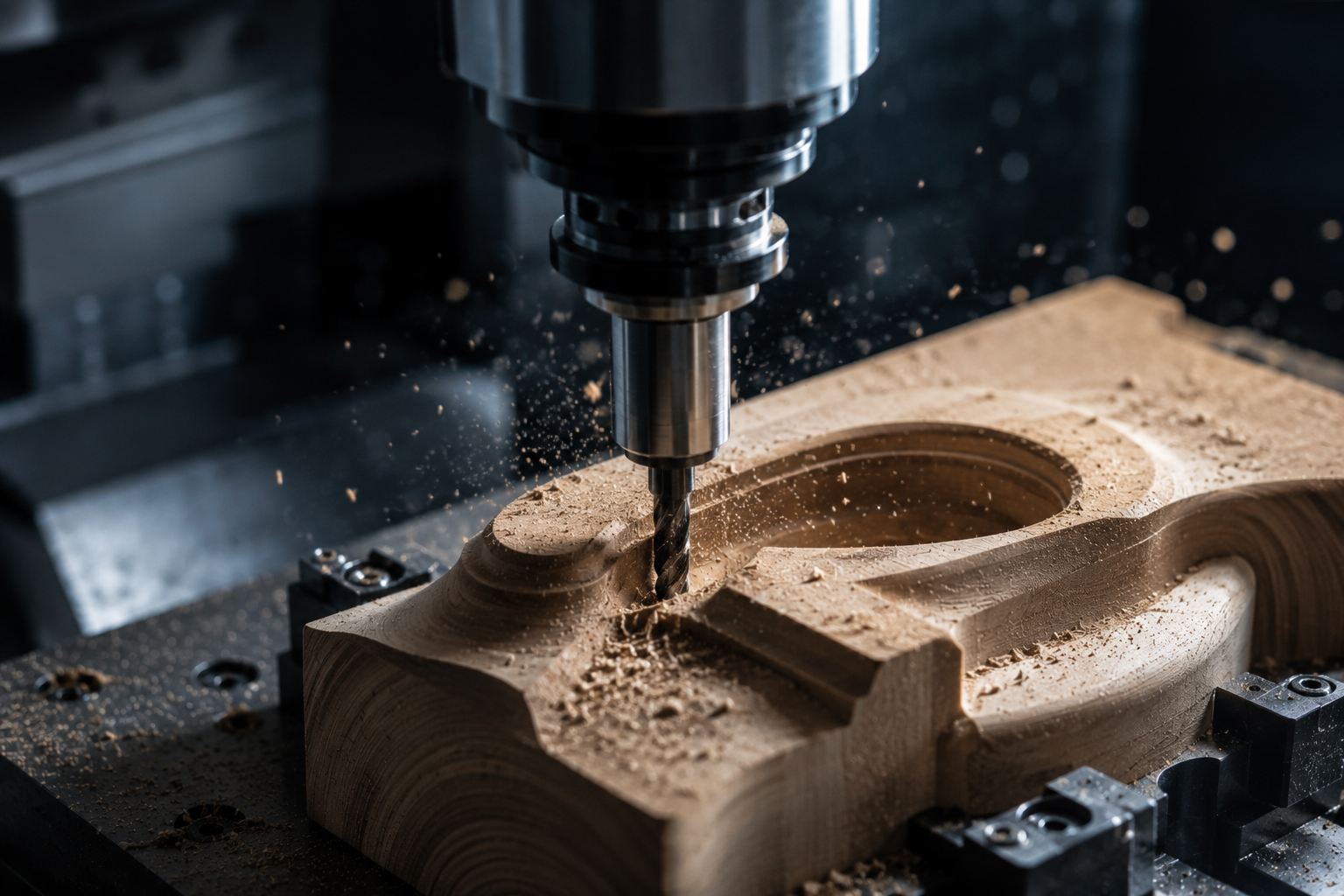
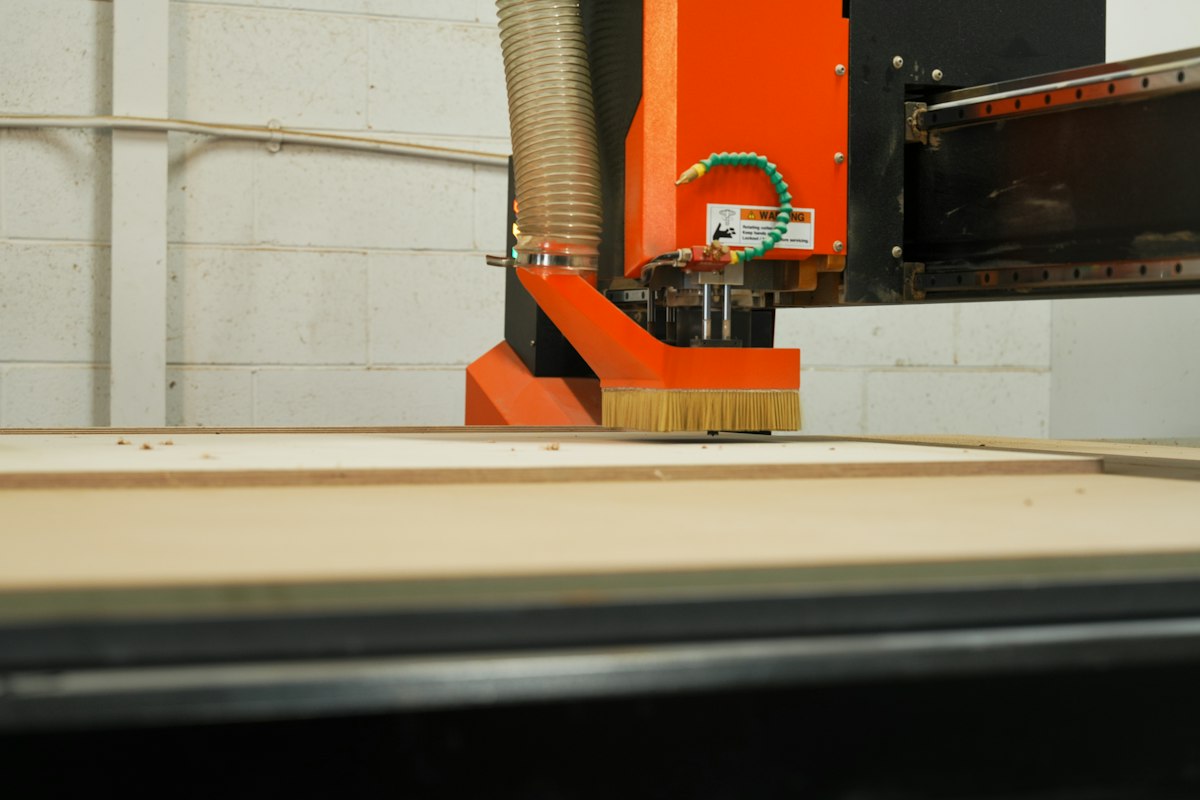
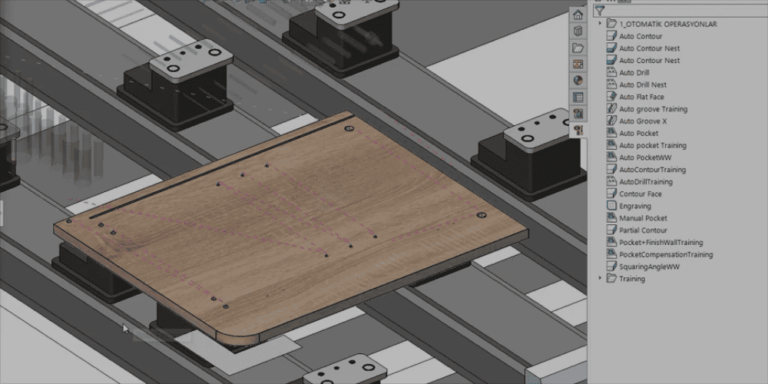
CAM software that drives your woodworking CNCs and generates machine programs directly from the design model. When the design changes, operations update from the same model.
SWOOD Nesting
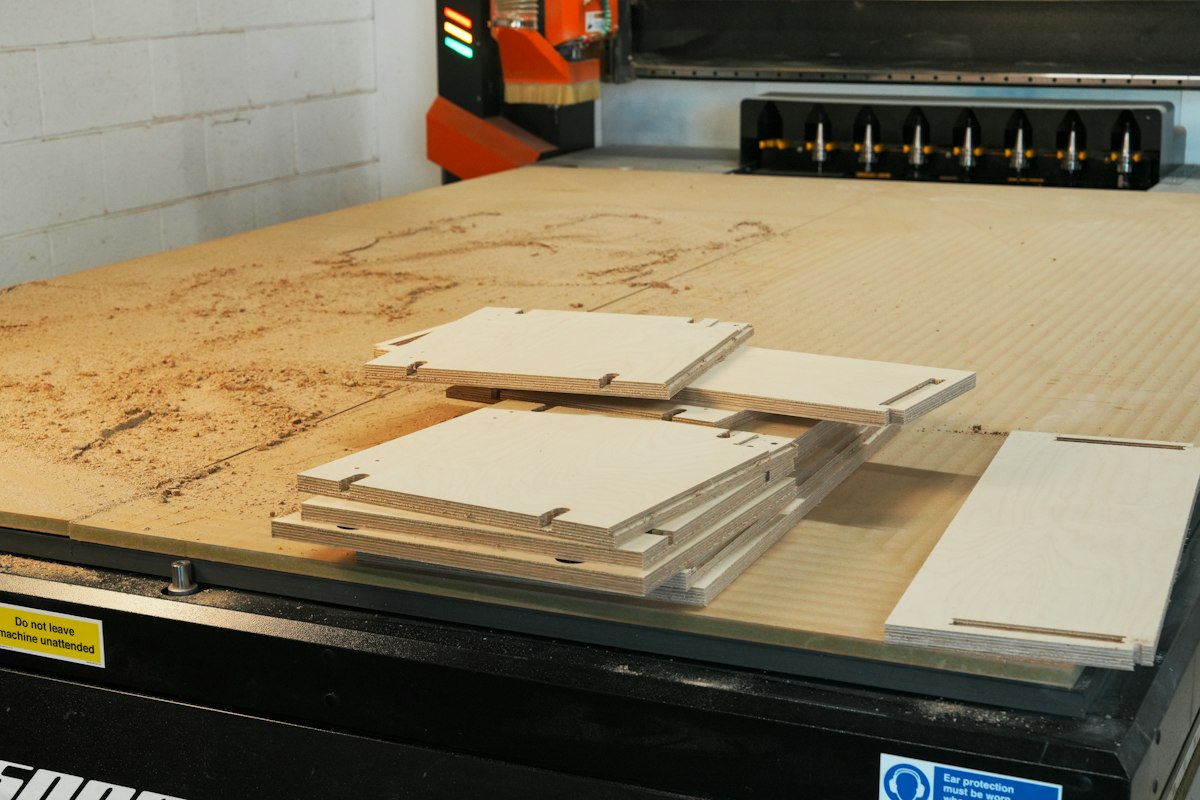
SWOOD Nesting places parts on sheets automatically to reduce waste and make better use of every board. Nesting data comes straight from the SWOOD Design model and cut list, so nothing is re-entered by hand.
SWOOD Composer
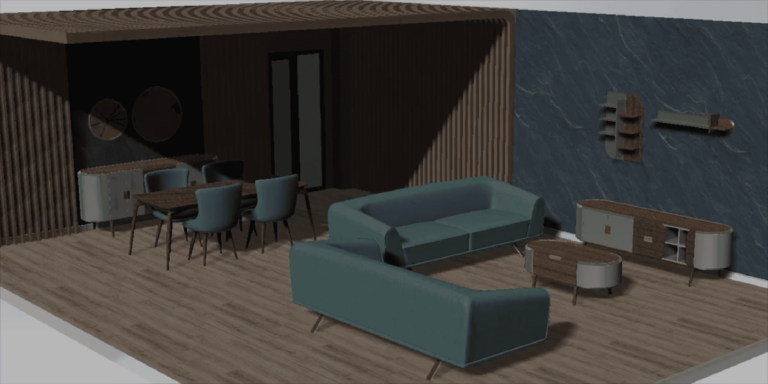
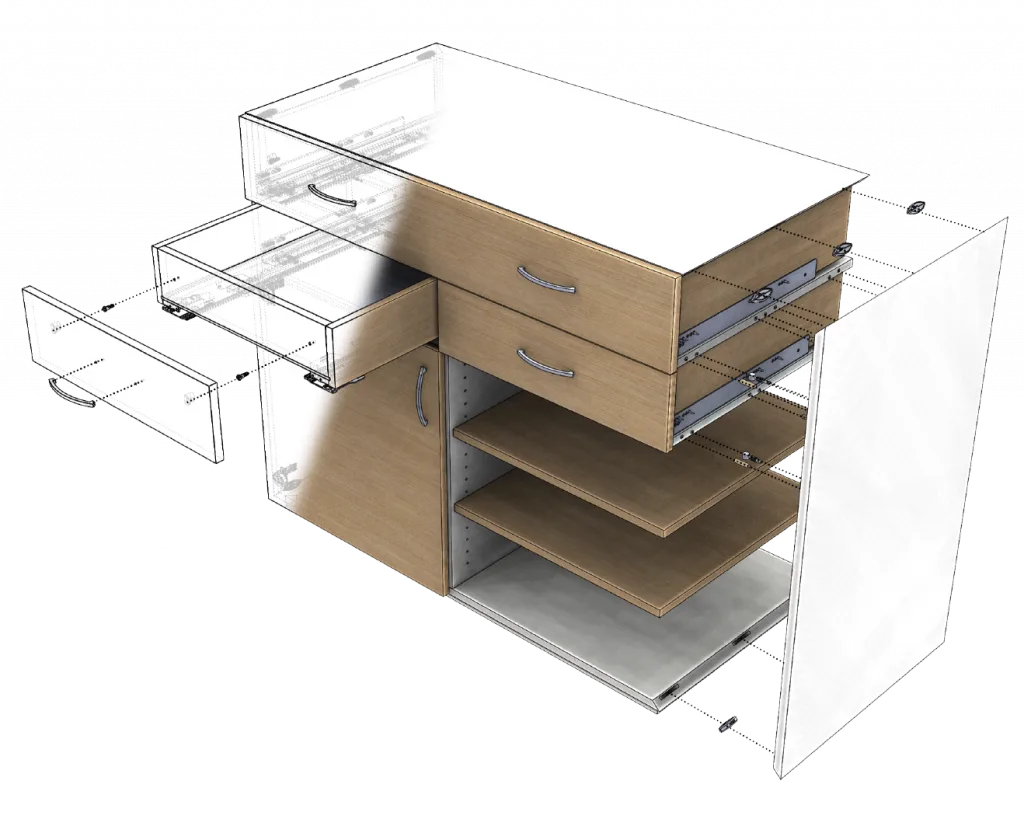
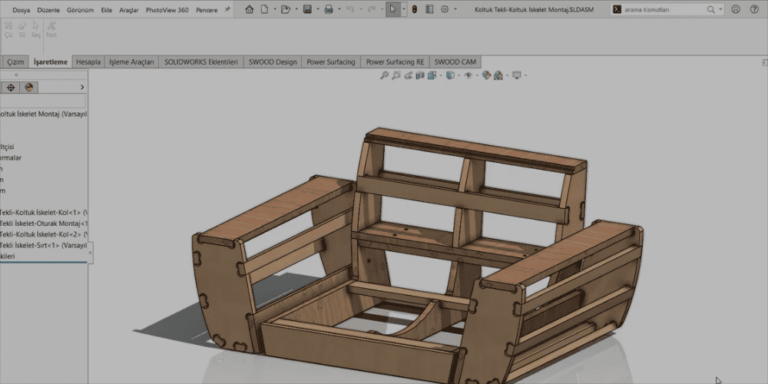
Furniture designed with SWOOD is a SOLIDWORKS assembly. With Dassault Systèmes’ SOLIDWORKS Composer you can build animated assembly instructions, interactive parts lists and exploded views from the same model; picture-based instructions also reduce the need for translation.
SWOOD with MAGEN
We don’t set SWOOD up from a template; we configure it around your products and machines. Sales, implementation, training and consulting from one team.
Material, edge banding and hardware definitions, joining rules, report templates and libraries set up for your company.
Learn more →Machine and tool definitions, machining rules and machine output prepared for your production.
Learn more →Sheet definitions, nesting and bridge settings, and cutting output configured for your workflow.
Learn more →A review of your design-to-CNC workflow, parametric module preparation and SWOOD material transfer.
Learn more →Box and panel design, hardware, edge banding and reports, hands-on with your own products.
Learn more →Machining definitions, tooling and CNC program creation.
Learn more →Sheet nesting, waste control and cutting output.
Learn more →Every company’s products and production setup are different; these are the steps we follow to fit SWOOD to your business.
We review your product range, materials and hardware, CNC machines and current design workflow together.
We identify the right SWOOD modules and, if needed, the SOLIDWORKS package, then install them.
Material and edge banding definitions, the hardware library, production rules and report templates are set up for your company.
Your most-used products are made parametric, so new sizes and variants don’t start from scratch.
Design and production teams get hands-on training with your own products, and we stay with you through the first projects.
Technical support continues; if you like, we link SWOOD costs to MAGEN Planner pricing and plan the ERP transfer together.
About MAGEN
MAGEN is an engineering and software company providing software, implementation and training to the furniture and manufacturing industries. We sell SWOOD, implement it for your company, and provide training and technical support. As an authorized SOLIDWORKS reseller, we can also supply the SOLIDWORKS license SWOOD runs on.
What sets us apart is that we can deploy SWOOD together with MAGEN Planner. Planner uses your product catalog from SOLIDWORKS to run 3D configuration, quotes and orders; it can calculate module prices from SWOOD costs (materials, edge banding, hardware) and sends approved orders back to SOLIDWORKS for production.
FAQ
SWOOD pricing depends on the modules you choose (SWOOD Design, SWOOD CAM, SWOOD Nesting), the number of users and whether you already have a SOLIDWORKS license. After learning about your products and production setup, we prepare a tailored quote with the right modules; quotes are free and non-binding. Request a quote.
You can buy SWOOD from MAGEN. License sales, implementation for your company, training and technical support come from our team in Istanbul; training and support can also be delivered remotely. If needed, we include the SOLIDWORKS license in the same quote.
SWOOD CAM generates machine-specific programs for the CNC machining centres and nesting machines used in furniture production. The right output (post-processor) for your machine is defined together during implementation. Tell us your machine brand and model in the form and we will check compatibility in advance.
Yes. SWOOD Design automatically generates cut lists, edge banding and hardware lists, and material and cost reports from the 3D model. When the model changes, the lists update too, removing manual list preparation and the errors that come with it.
Yes. We run a live demo on one of your own products, from design to cut list and CNC output. Request a demo and we will schedule a suitable time.
Yes. SWOOD is a furniture solution integrated into SOLIDWORKS and needs SOLIDWORKS to run.
No. SWOOD works with any licensed SOLIDWORKS installation, so you can keep using your existing SOLIDWORKS. If you need new or additional licenses, MAGEN can supply them together with SWOOD as an authorized SOLIDWORKS reseller. See our SOLIDWORKS page for details.
Home, office, kitchen and bathroom furniture, retail fit-out and shelving systems, signage and facades, upholstered furniture, and yacht and caravan interiors: virtually any kind of furniture and woodworking production.
To use SWOOD efficiently, it needs to be configured around your company’s production and design rules. This process is called implementation: material, edge banding and hardware definitions, rules and report templates are prepared at this stage. SWOOD implementation is carried out by the MAGEN team.
Yes. SWOOD automatically reports stock item and product structure data in formats such as Excel, XML and HTML, which can be imported into the ERP systems companies use. We plan the transfer around your system and develop custom software when needed.
SWOOD isn’t a separate program; it runs inside SOLIDWORKS. You design furniture in a full 3D CAD environment, and the same model drives the cut list, CNC program, sheet nesting and assembly instructions. Metal components and custom parts are modeled in the same environment too. To see it with your own products, request a demo.
Yes. We provide hands-on SWOOD Design, SWOOD CAM and SWOOD Nesting training using your own products.
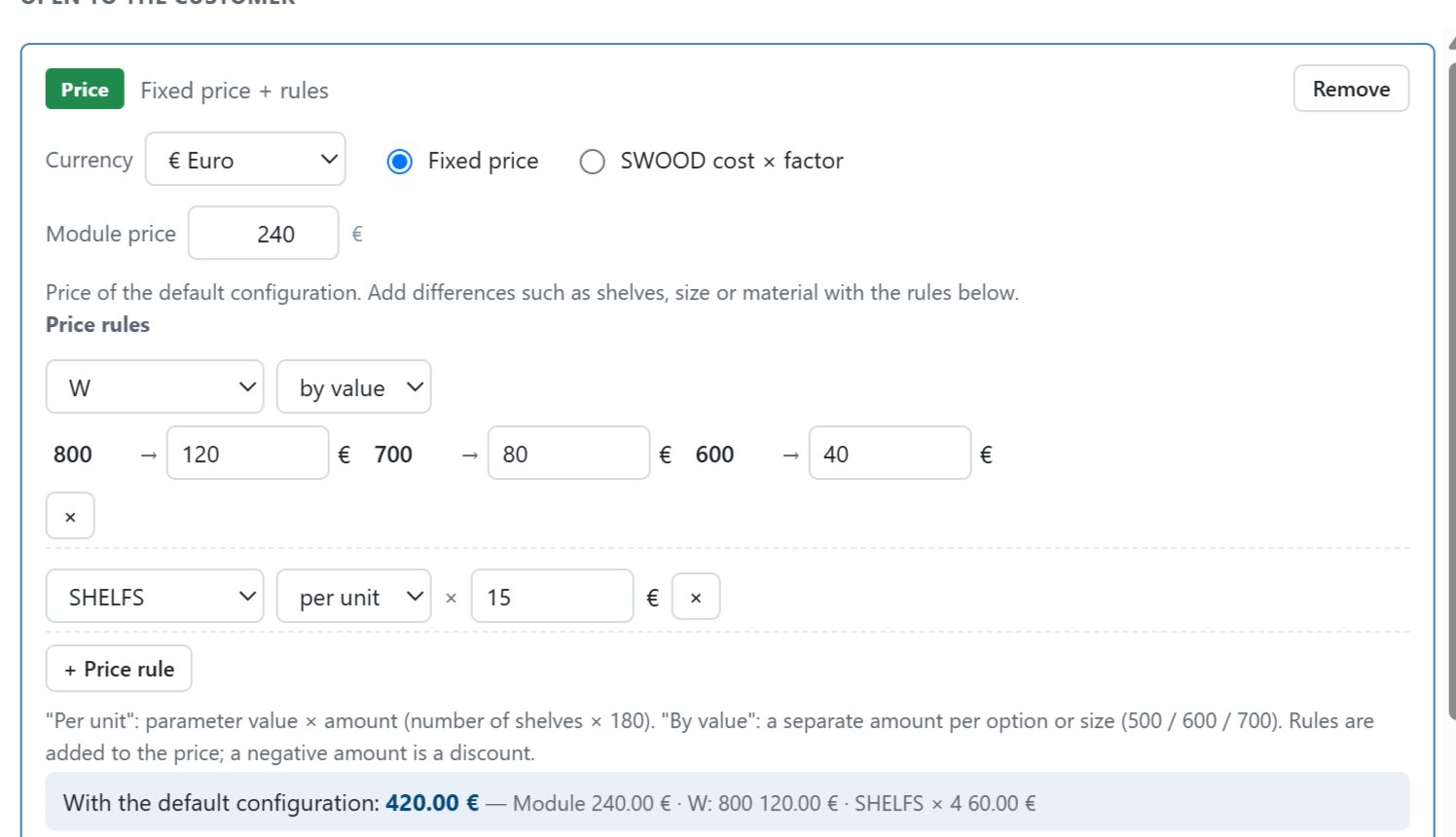
Yes. In MAGEN Planner, module prices can be set in two ways: a fixed price with rules, or SWOOD cost (materials, edge banding, hardware) × a factor. See the MAGEN Planner page for details.
References
We work with companies across many industries that share our goal of efficiency, quality and sustainable success in production.

Authorized SWOOD Reseller
Let’s look together at how SWOOD can bring your design, cut lists, CNC and nesting into one workflow. Fill in the form and a SWOOD specialist will get back to you.