Does 3DEXPERIENCE replace SOLIDWORKS? +
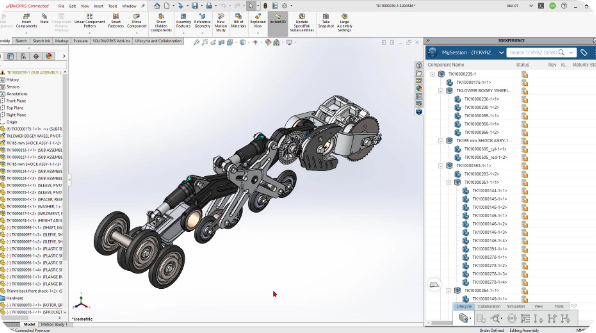
No. 3DEXPERIENCE complements SOLIDWORKS with cloud data management, collaboration and additional apps. You still design in desktop SOLIDWORKS and manage your data on the platform, and you can add browser-based design roles if you wish.
Can I use it with my existing SOLIDWORKS license? +
Yes. You can connect your desktop SOLIDWORKS to the platform with the Collaborative Designer for SOLIDWORKS role. SOLIDWORKS users on active subscription can also use some cloud sharing services; we confirm the exact scope for your license with you.
SOLIDWORKS PDM or 3DEXPERIENCE? +
SOLIDWORKS PDM manages your data in a vault on your own server. 3DEXPERIENCE runs in the cloud, needs no server or maintenance and comes with browser apps and collaboration tools. The right choice depends on your team structure, your IT setup and how you work with partners, and we assess it with you. See the SOLIDWORKS PDM page for details.
Where is my data stored, and is it secure? +
Data is stored on Dassault Systèmes’ cloud infrastructure. Who can see and change which data is defined by user and role permissions, and external sharing happens through controlled links.
Do I need an internet connection? +
Because the platform is cloud-based, saving data, sharing and the browser apps work over an internet connection. We review your connectivity and working conditions with you before setup.
Which roles should I start with? +
Teams that use SOLIDWORKS usually start with Collaborative Designer for SOLIDWORKS and collaboration roles. Viewing and collaboration can be added for non-designers, and SIMULIA roles for people who run analyses. We prepare a recommendation for your workflow during the demo.
Can I see a demo before buying? +
Yes. Fill in the form and we will show you the platform on an example close to your workflow and choose the right roles with you.