
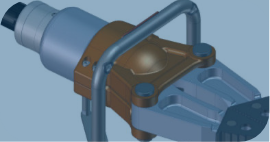
Documentation
Clear, vector technical illustrations for installation, user and maintenance manuals.

SOLIDWORKS Composer is built to speed up technical communication and explain complex products simply. It turns your existing 3D CAD models into technical documents, assembly guides, maintenance instructions and product catalogs, saving time in production, sales and after-sales with clear, high-quality and engaging visual content.
Key Features
Composer turns the 3D model prepared by the design team into content that technical writers, service, marketing and production teams can use. When the model changes, the content is not rebuilt from scratch; it is refreshed with the current model.

Technical Documentation
From the assembly you open in Composer you create camera views, exploded views, parts lists and balloons; the same project becomes a printed technical illustration as well as an animation or interactive content. When the design is revised, the current CAD data is applied to the project and every output is regenerated.
Content Created with Composer
The same Composer project becomes printed documentation, video or interactive 3D content, as needed.
Clear, vector technical illustrations for installation, user and maintenance manuals.
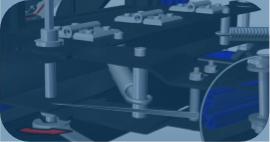
Animations generated from the model that show assembly, disassembly and how the product works.

Interactive parts and spare-parts lists that highlight a part in the model when clicked.
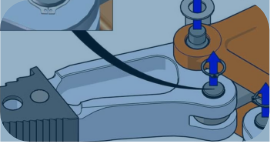
Step-by-step instructions used on production and service screens.
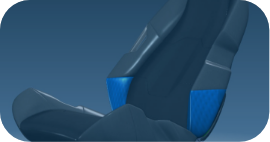
3D product presentations that customers and teams can rotate and explore.
Watch the Videos
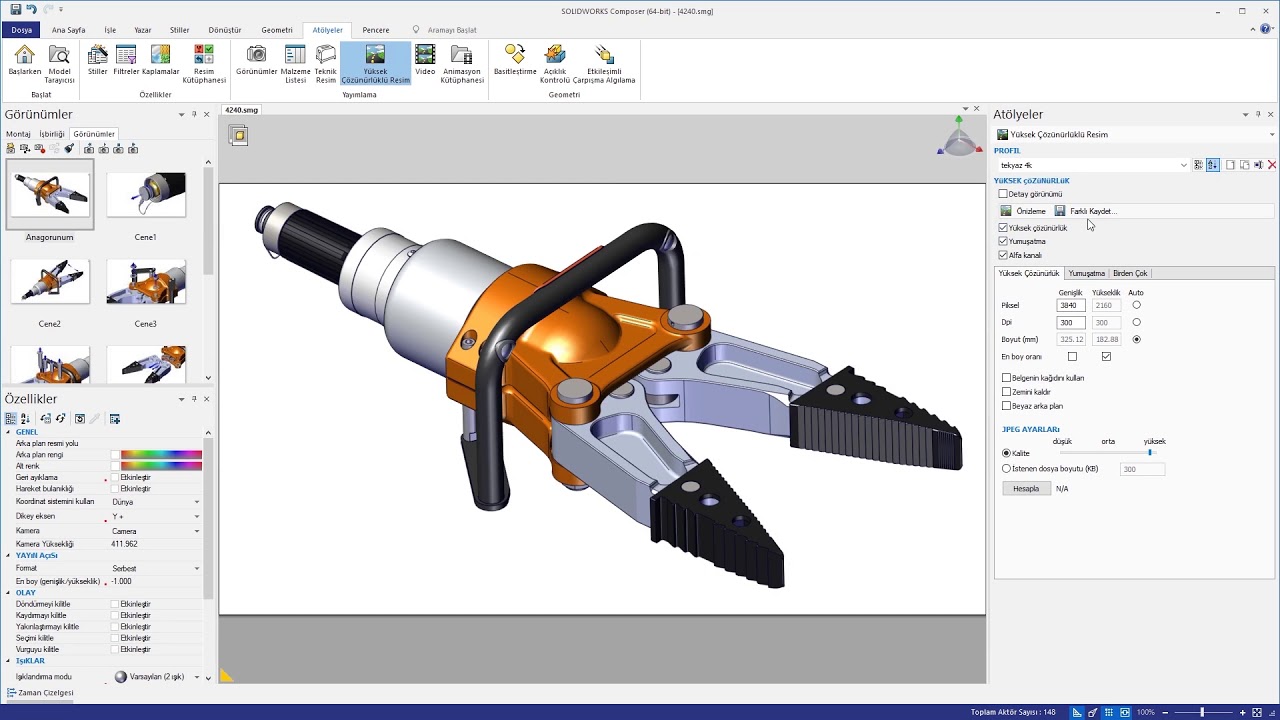
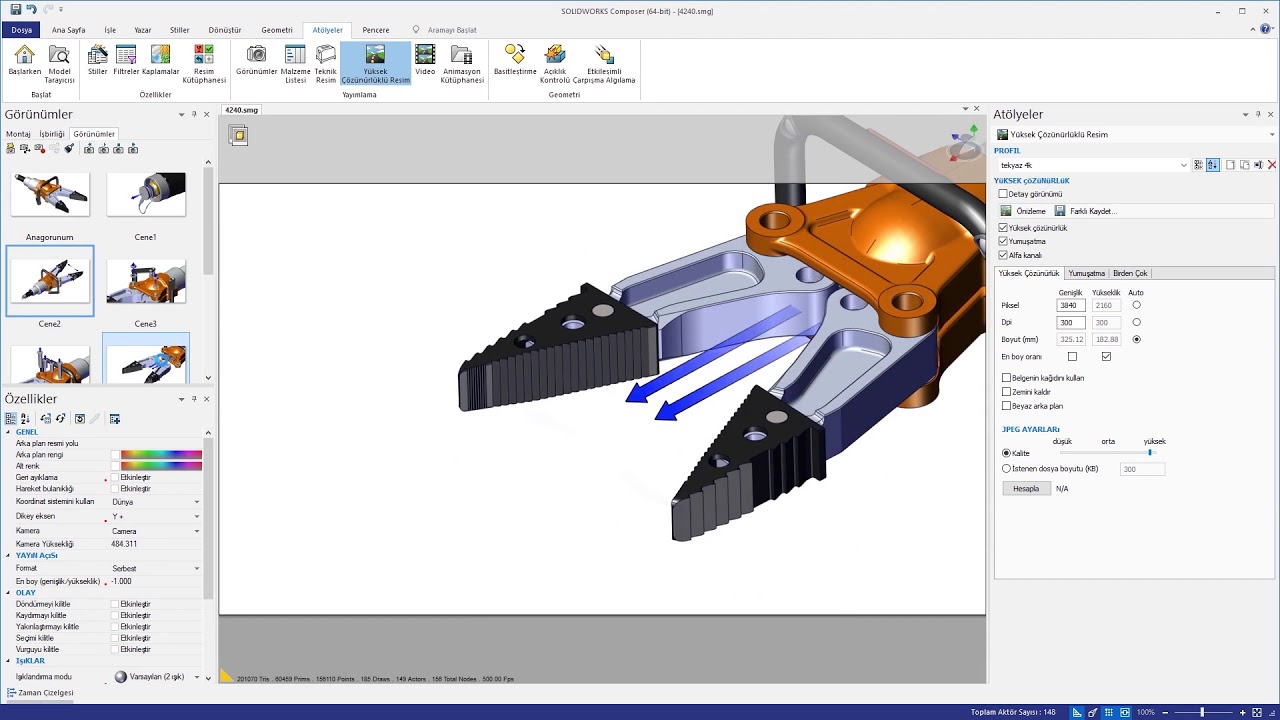
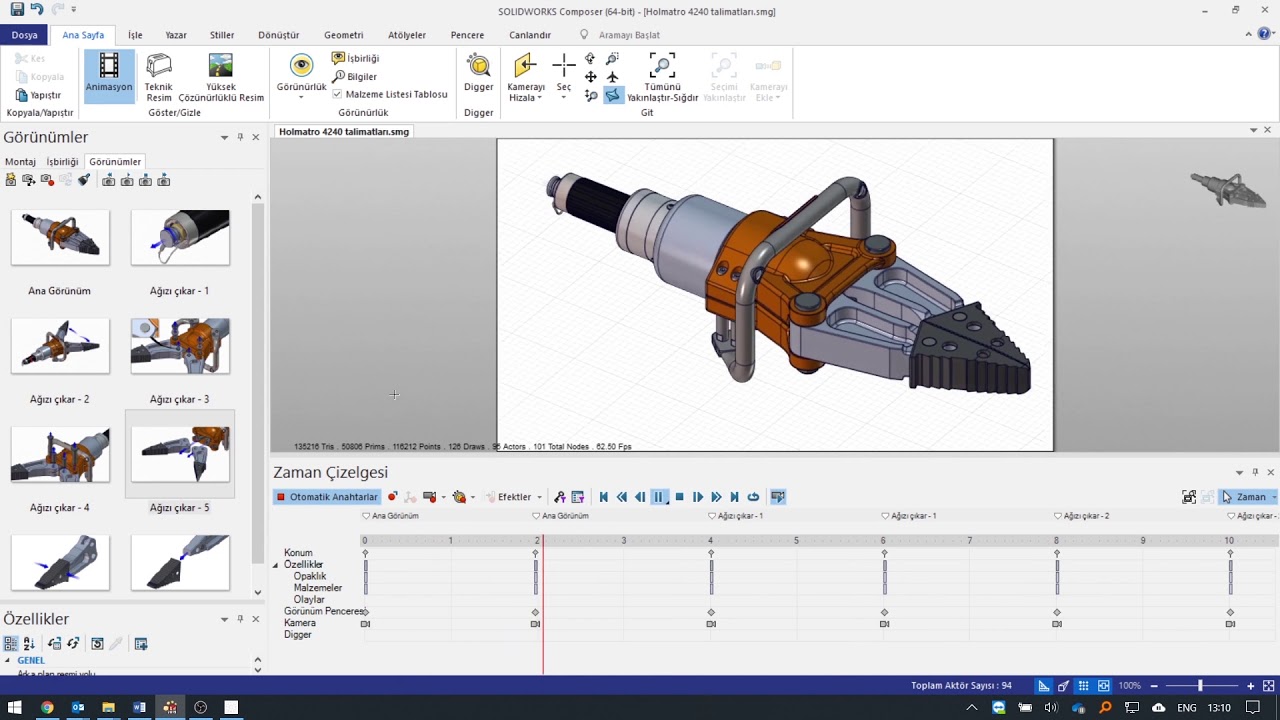
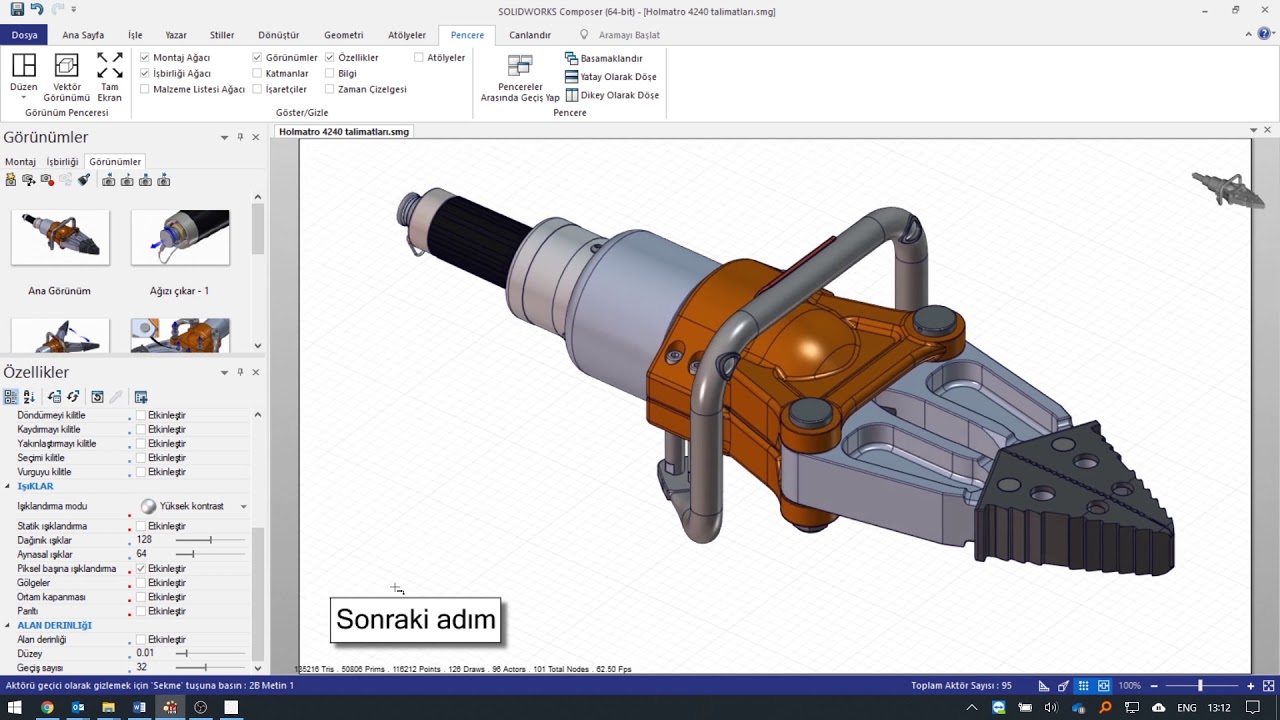
Five steps from opening CAD data to interactive content. Videos play on this page (narration in Turkish); click a preview to watch.

Applications
Composer saves time wherever a product needs assembly, installation or maintenance instructions.
Composer with MAGEN
We supply the right SOLIDWORKS Composer license, install it and train your team on your own products. If you prefer, we prepare your assembly diagrams and animations as a service.
Frequently Asked Questions
Besides SOLIDWORKS models, it opens many common 3D CAD formats such as STEP, IGES and STL, so you can also work with models from other CAD systems.
Many common formats such as PDF, HTML, SVG and AVI, as well as high-resolution images, so your content is easy to share across platforms.
Yes. Changes made to the original CAD model can be applied to the Composer project, keeping your documents current without manual editing.
Its user-friendly interface makes the basics easy to learn. For larger projects and advanced features, a short training course noticeably improves productivity.
Yes. You can create interactive 3D animations for product launches, assembly and disassembly procedures and technical explanations, making technical communication and user training easier.
Pricing depends on the license type, the features you need and the number of users. Contact us to find the best option for your needs and get a quote.

Design · Sales · Production
Let’s find the right Composer solution for your products together. Send your request for a demo, license options or training.