

01 · 5 services
Implementation
Setting up and rolling out software around your standards, data and production structure.
Our Services
We provide services across ten areas, from SOLIDWORKS, SOLIDWORKS PDM and SWOOD implementation to engineering, animation and assembly instructions, and from macro and API development to furniture CAD/CAM consulting. Every project starts with an analysis of your workflow; we then set up the system, hand it over to your team and support it in daily use.
Service Areas
From putting software into production to creating technical content and building custom tools, choose the service you need; you will find the details of each one below.
Setting up and rolling out software around your standards, data and production structure.
Design, analysis and technical documentation handled by our specialists.
Automation built around your processes, and end-to-end workflow consulting for furniture manufacturers.
Our Implementation Methodology
We run every implementation project the same way: the scope is defined up front, the output of each step is reviewed together, and the system is handed over to your team with documentation.
01 · Implementation
We set up SOLIDWORKS, SOLIDWORKS PDM and SWOOD around your standards, data and production structure, and roll them out together with your team.

01Implementation
We do not leave SOLIDWORKS on its default settings; we configure it around your design standards and production structure. After reviewing how your team works today, we set up templates, libraries and system options so that everyone works the same way.

02Implementation
With SOLIDWORKS PDM we bring your design data into a single vault and set up the folder structure, permissions, revision rules and approval workflows around your processes. After go-live we keep the system running with vault maintenance, new workflows and version upgrades.
03Implementation
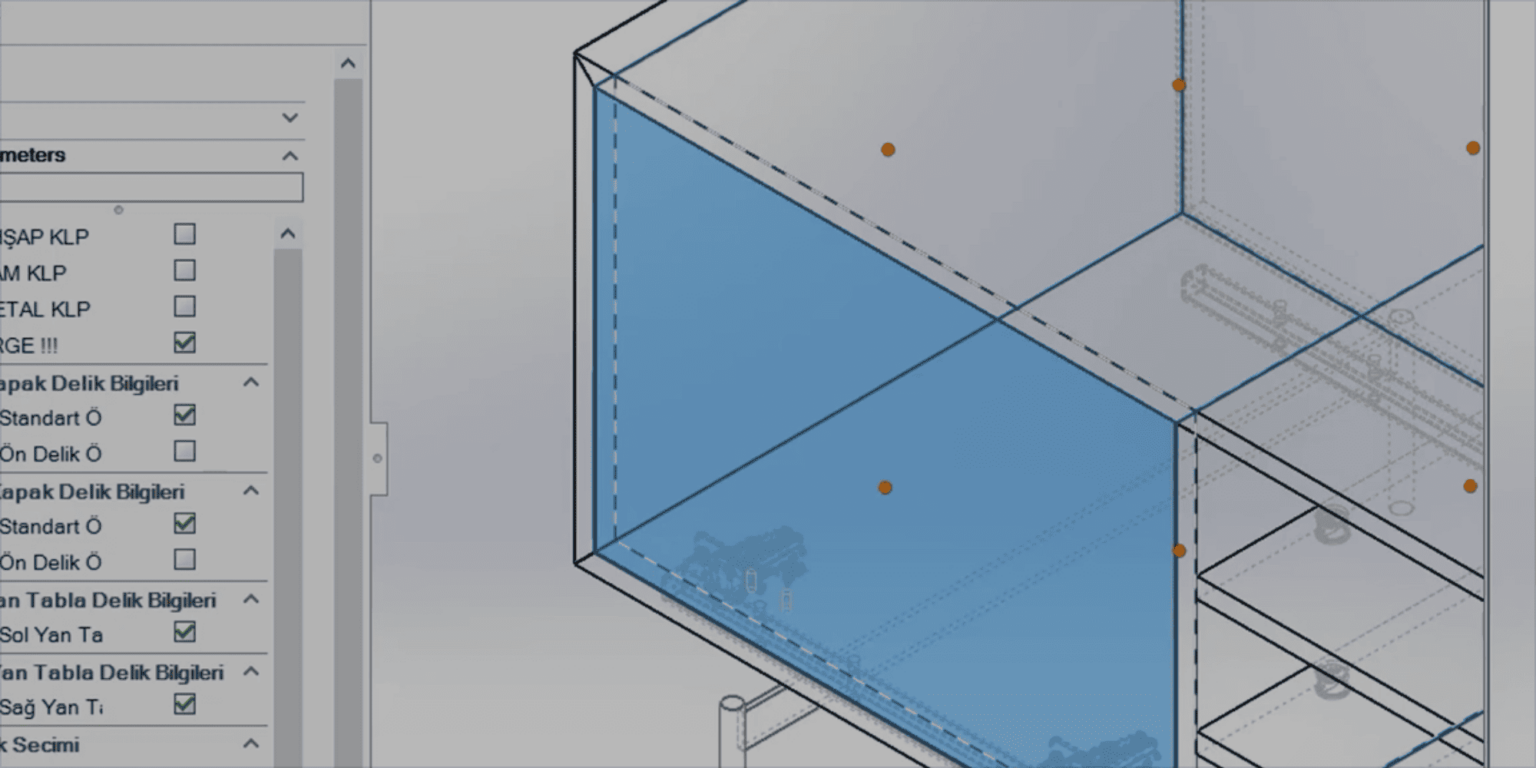
We adapt SWOOD Design to your production rules. From material and edge banding definitions to joinery and hardware rules, and from cut lists to a parametric module library, we set up the design environment around the way you manufacture.

04Implementation
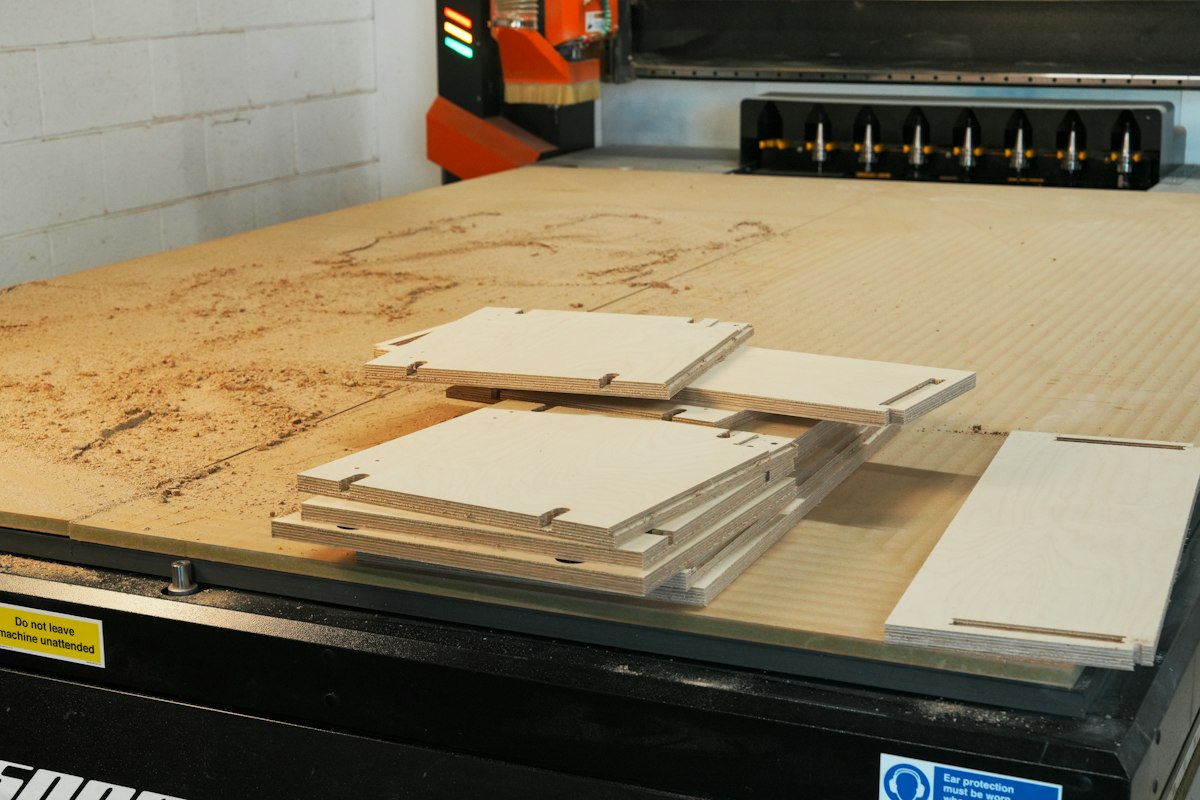
We configure SWOOD CAM for your CNC machines and tooling. Drilling, grooving, pocketing and contouring operations are prepared from the SOLIDWORKS model, so machine-ready programs reach the shop floor without redrawing parts.
05Implementation
We set up SWOOD Nesting around your board stock and cutting rules. By defining grain direction, part spacing and offcut rules, we build a flow that reduces waste and is fed by the same model from order to cutting.
02 · Engineering and Technical Content
We take on design, analysis, animation and assembly documentation work per project, or as an extension of your team during busy periods.
06Engineering and Technical Content
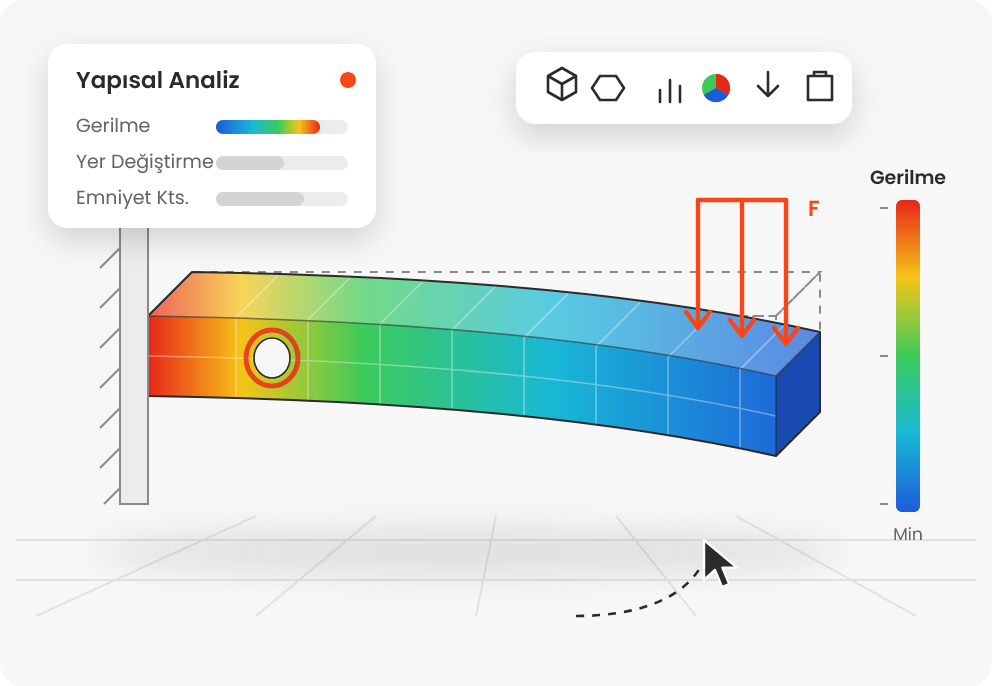
We take on your design and calculation workload per project or during busy periods. From 3D modeling and drawings to structural analysis with SOLIDWORKS Simulation and flow and thermal analysis with Flow Simulation, we deliver engineering work to your standards.

07Engineering and Technical Content
We turn your products into clear animations for marketing, sales and training. Using SOLIDWORKS Visualize and SOLIDWORKS Composer, we create animations and photorealistic images from your SOLIDWORKS models that show how a product works, how it is assembled and what sets it apart.

08Engineering and Technical Content
We create assembly instructions that guide end users, service teams or assembly lines through installation step by step. With exploded views, numbered part lists and hardware tables, we produce assembly diagrams that can be followed without text.
03 · Software and Consulting
We develop automation tools built around your processes and design the digital workflow from design to production for furniture manufacturers.
' Writes a material property to the active model
Dim swApp As SldWorks.SldWorks
Dim swModel As SldWorks.ModelDoc2

Sub main()
    Set swApp = Application.SldWorks
    Set swModel = swApp.ActiveDoc
    If swModel Is Nothing Then Exit Sub
    swModel.Extension.CustomPropertyManager("").Add3 _
        "Material", swCustomInfoText, _
        "MDF 18 mm", swCustomPropertyReplaceValue
    swModel.ForceRebuild3 False
End Sub09Software and Consulting
We use the SOLIDWORKS API to add functions SOLIDWORKS does not offer out of the box and to automate repetitive routine work. From single-command macros to add-ins distributed with an installer, we develop tools for your processes and keep them compatible with new releases.
Your automation requests go straight to our team that develops macros and add-ins with the SOLIDWORKS API.

10Software and Consulting
We design the end-to-end digital workflow for furniture manufacturers, from design and sales to cut lists and CNC. We assess your current software and machine investments and define the right toolset, data flow and transition plan with you.
For SolidCAM installation, post processors and application support, contact us through the Technical Support page.
Why MAGEN
We provide licensing, implementation, training and technical support from a single source, so your software investment becomes part of everyday work.
As an authorized SOLIDWORKS reseller, we handle licensing, installation, implementation, training and technical support through one point of contact.
We develop macros and add-ins with the SOLIDWORKS API ourselves, so your automation and integration requests go straight to the developers.
We apply what we have learned in machine building, machining and furniture manufacturing projects to your workflow.
References
We work with companies across many industries that share our goal of efficiency, quality and sustainable success in production.

Design · Sales · Production
Service Request
Tell us which service you are interested in and briefly describe your current setup; our team will contact you to arrange an initial meeting.