

Cimatron Electrode
Electrode Design, Burning and Manufacturing
Manage the whole process in one workflow and with fewer errors, from electrode design and burn parameters to EDM setup reports and electrode machining.
Overview
One end-to-end solution for electrodes
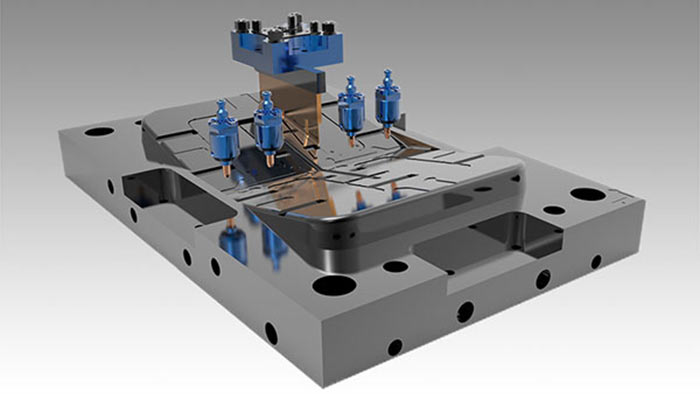
Cimatron Electrode combines electrode design, the burning (EDM) process and electrode machining in a single solution. You design an electrode in full detail, define its burning data and create its toolpaths in the same environment.
With built-in CAD functions, electrode modeling works directly with the mold data. Design errors go down, and you build a repeatable electrode production process suited to unattended operation.
Electrode Design
Select the burn area, create the electrode
- Define the electrode’s burning surfaces with a dedicated selection tool.
- Create blank and holder geometry automatically in a variety of shapes.
- Save an electrode as a template and reuse it easily in other areas.
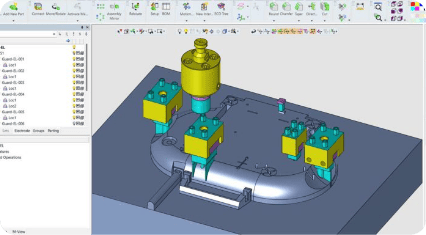
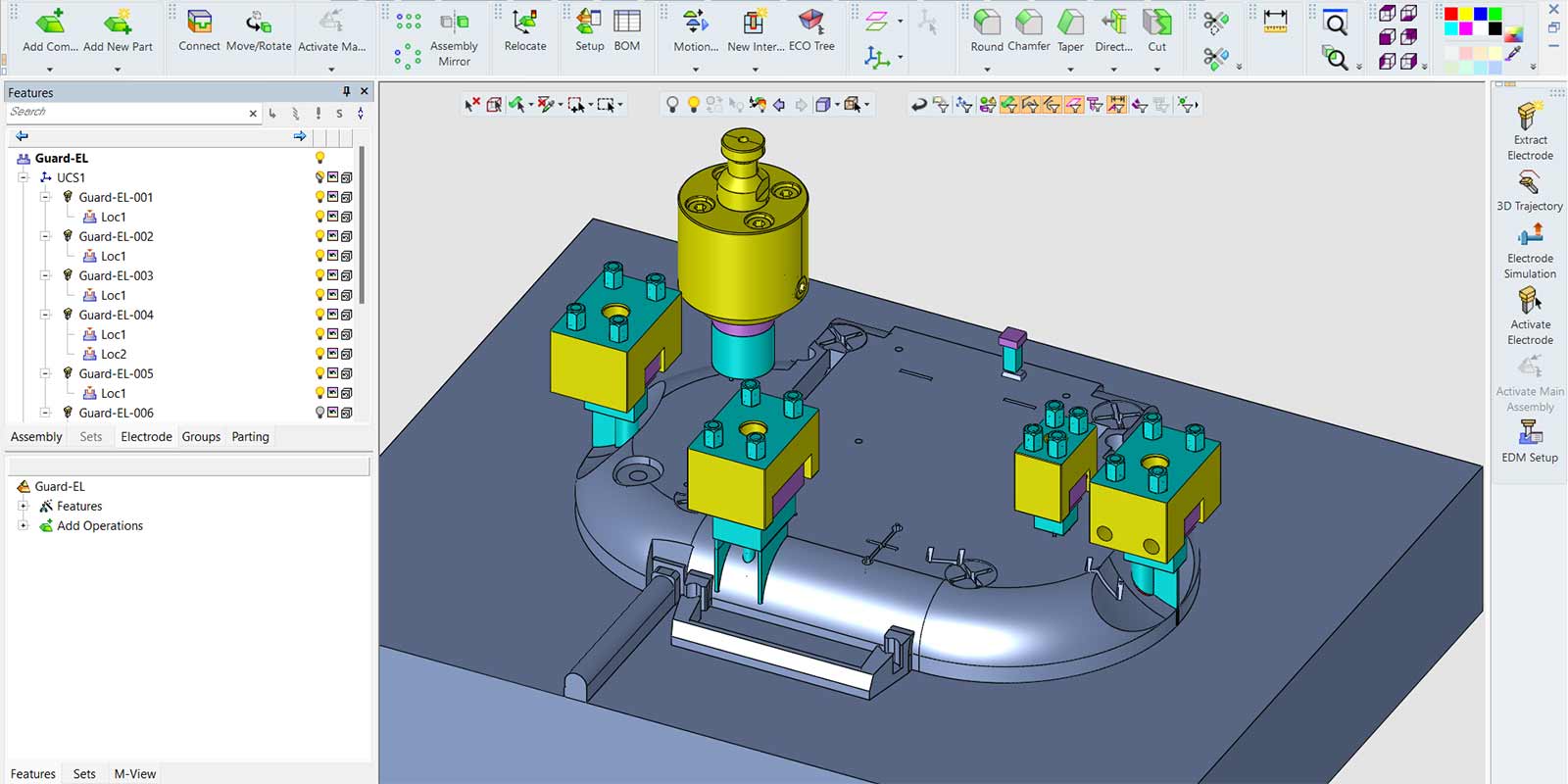
- Assign a holder to the electrode and check for collisions with the part and fixtures in simulation.
Burning Process · EDM Setup
Burn parameters and setup reports
Define the burning method for each electrode and burn path, including spark gap, orbiting, number of cycles, and roughing, semi-finishing, finishing and polishing steps.
- Report electrode positions, rotation angles, dimensions and values.
- Send electrodes to drawings one by one or as an assembly, and prepare inspection drawings for the shop floor.
- Use the EDM Setup tool to control the burning sequence and electrode- and machine-specific parameters.
- Save electrode values as a template and apply them to selected electrodes in one step.
- Generate NC code for the burning parameters and send it to the EDM machine.
Electrode Manufacturing
From design to CAM with a single click
Send the finished electrode to the CAM environment with a single click. Burn parameters defined during design carry over to machining automatically, preventing data entry errors.
- Create machining templates that select milling strategies based on electrode geometry.
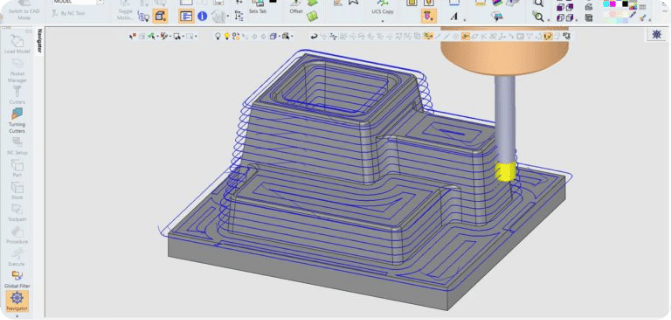
- Prepare 2.5- to 5-axis machining operations that take spark gap and orbit values into account.
- Use the automatic coordinate system (UCS) so electrodes no longer need repositioning in the NC environment.
- Send CMM inspection code generated from the burn parameters to your machine to verify electrode dimensions.
Connected to Mold Design and CNC
Electrodes, molds and NC in one environment
Electrodes, mold components and NC programs are all prepared in the same Cimatron environment, so there is no need to move data between different software. Electrode requirements become visible during mold design, and electrode machining programs are created in the same workflow.
See the Cimatron Mold page for mold design and the Cimatron Mill-Turn and NC page for machining strategies.
Video
See Cimatron Electrode in action
Saving and loading EDM values from templates in EDM Setup, from Cimatron’s official channel. Request a demo to see Cimatron Electrode on your own molds.
Request a Demo